Wedding invitations
QR Code on a Wedding Invitation — What to Hide Behind It and How to Do It?
There's a clear, growing trend in the wedding industry right now—more and more couples are including a small enclosure card with a printed code along with their invitation. Wedding invitations with a QR code are a great way to share digital information with your guests in a very elegant way. But what exactly can you hide behind such a code, how do you go about setting it up, and does this solution actually make practical sense?
What can you hide behind a QR code on an invitation?
What goes behind the code depends entirely on your organizational needs. In practice, couples most often choose one of three main solutions that perfectly complement traditional paper invitations:
- An RSVP form — instead of a response card: This is the most popular use. Instead of forcing guests to mail back a paper card or make a phone call, scanning the code takes them to a short form. There, they can quickly confirm their attendance, specify their dietary requirements, and provide their plus-one's details.
- A wedding website: The code can lead to a dedicated, digital bulletin board about your wedding. There you can post a detailed schedule of the day, directions to the venue, a suggested dress code, or a list of recommended accommodations near the reception.
- Save the date: If you're sending out invitations very early, the code can simply lead to a digital date for your wedding. With one click, guests can automatically add the event to their phone's calendar along with a reminder.
How to technically add a QR code to an invitation?
Preparing such a code is very easy and doesn't require any IT knowledge. The first step is to use a free QR generator, such as qr-code-generator.com. You paste your target website address there, and the system generates the corresponding image for you in a fraction of a second.
Remember that the generated link must be absolutely stable. Definitely avoid link shorteners (like bit.ly), because such tools might delete your address over time, causing the code to stop working. When it comes to printing, the size of the graphic is crucial—so that phone cameras can easily read the card, the code should be at least 0.8 x 0.8 inches (2x2 centimeters). Before ordering the printing of the entire batch, print one copy at home and test it on several different phone models.
What does it look like in practice?
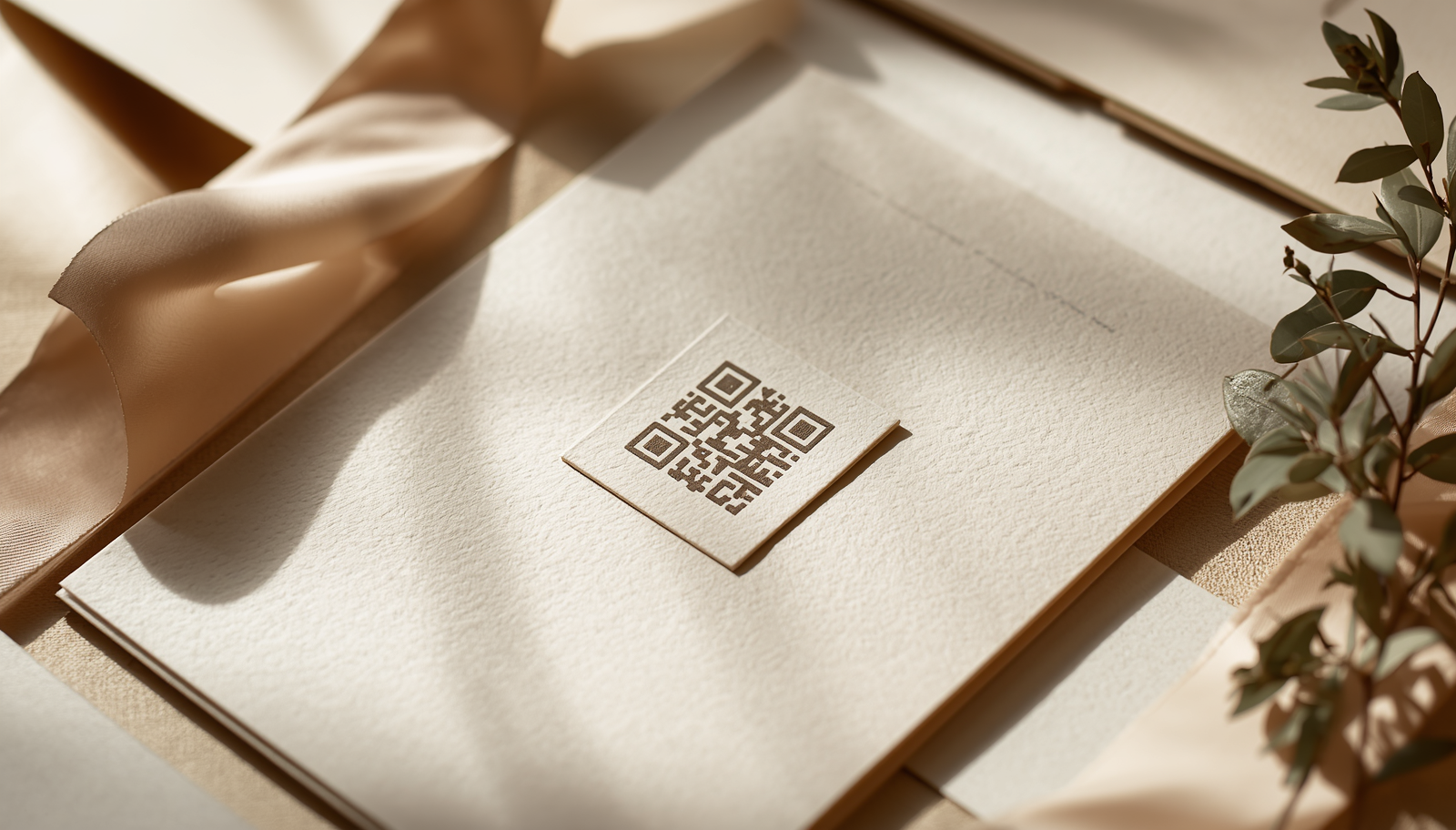
Of course, nobody prints a large, black square right in the middle of a beautiful, gold-foiled invitation. Instead, the couple prepares an additional, separate small enclosure card. It's slipped into the envelope as an aesthetic insert. It's best to add a short, clear instruction to it, for example: "Scan this code with your phone and RSVP by May 30th".
Importantly, a QR code sitting directly on the wedding table is a completely different story. Often, that's another card with a different code, which leads guests straight to an interactive wedding app during the party. So the code from the invitation serves a completely different pre-wedding purpose—it complements the paper, but absolutely does not replace it.
Will all guests be able to handle a QR code?
Since 2018, almost all modern smartphones have had a built-in code reading feature right in the default camera app. You don't need to download any additional apps. For the vast majority of guests, the process is instinctive: they point their camera at the code and tap the pop-up notification that appears.
Naturally, for older guests, like grandparents, such an addition might not be useful. However, keep in mind that a digital confirmation is an option, not a requirement. For seniors or guests who don't use smartphones, you can always take the traditional approach—give them a call and simply have a chat.
What to watch out for before printing?
The biggest mistake is printing the codes and only later realizing that the address has stopped working. Your link needs to function flawlessly throughout the entire year of planning, which is why we remind you once again not to use URL shorteners.
Another issue is contrast. A code scans best when the black squares are placed on a white or very light background. Delicate, pastel prints on dark paper can cause phone cameras to struggle significantly with focusing on the image. Always test the code a few times before mailing out the final invitations.
Frequently Asked Questions (FAQ)
Does a QR code replace a paper invitation?
Definitely not. An elegant wedding invitation is still a beautiful tradition that gives the whole event a special character. The code placed on a special enclosure card is just a modern and functional addition for necessary logistical details.
How much does it cost to add a QR code to an invitation?
Generating the code itself online is free. The only costs are the price of printing a small enclosure card at a printing company, which usually amounts to a fraction of a dollar per single invitation.
Does a guest have to install an app to scan the code?
No. Today's smartphones can natively read codes straight from the camera app. When a guest points the lens at the paper, a window directing them to the browser and the appropriate form will automatically pop up on the screen.
Is one code enough for the whole wedding?
That depends on your organization. What works best are two different codes—one on the invitations, leading to the RSVP and the schedule, and a second one on the day of the wedding, placed on the tables, directing guests straight to the party's photo gallery.
Looking for a ready-made place to hide a QR on your invitation, a wedding app, and a post-wedding gallery? Check out souveil.